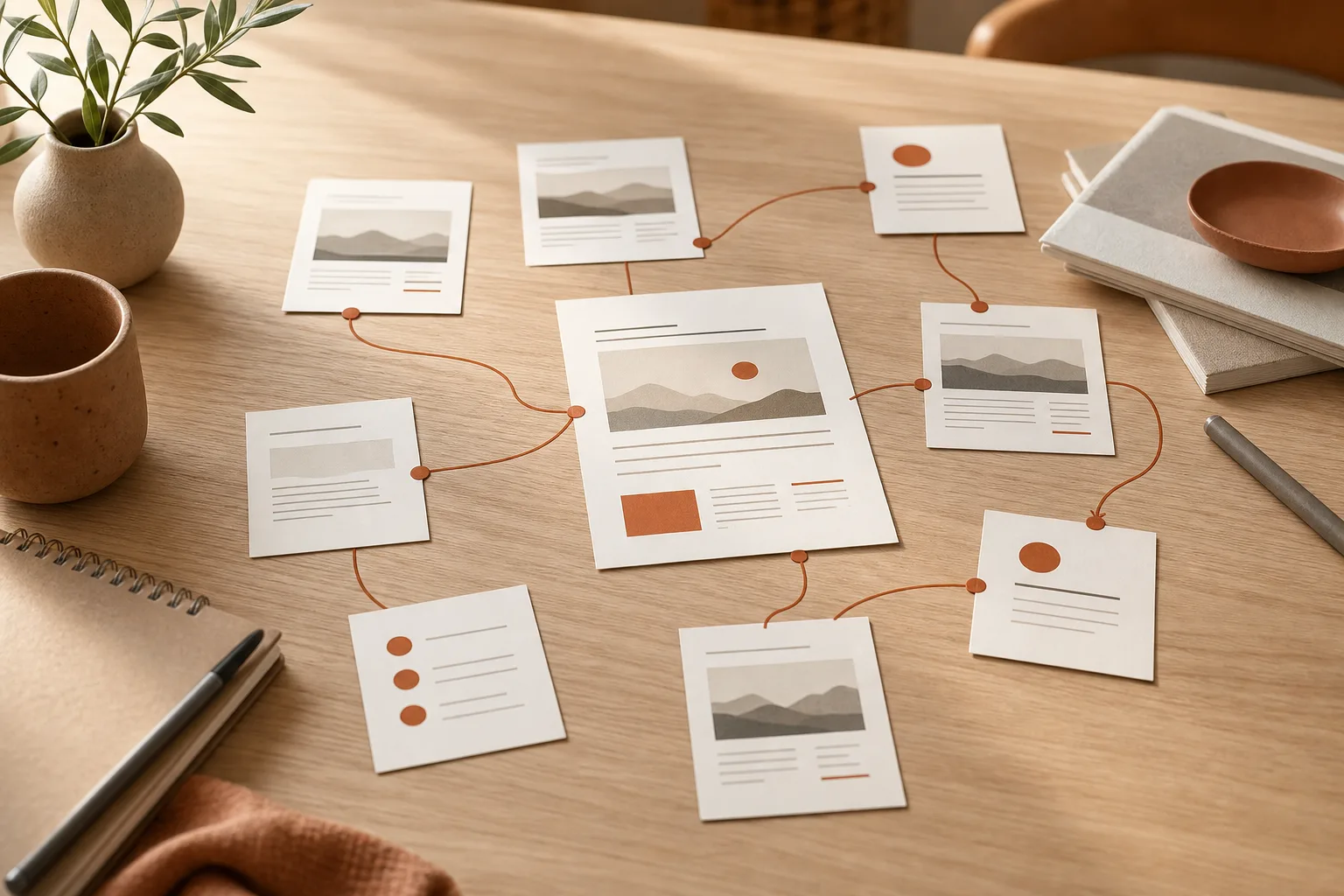
WordPress internal links are not meant to fill an article with blue links. Their main purpose is to let your readers continue researching without having to go back to the menu or start a new search.
When used well, they clarify the relationships between your content. They also help search engines discover important pages and understand their context. Google recommends linking useful resources in context on your site and ensuring every important page receives at least one internal link. See its best practices on discoverable links and anchor text.
The right strategy is therefore simple: create links when they answer a reader’s natural question. Don’t aim for a specific number of links.
Start by grouping your content by intent
Before adding links, look at what each page actually helps accomplish. Two posts can talk about WordPress while serving very different needs. A reader who wants to organize their posts isn’t necessarily looking to fix an error 404.
Create a few coherent content groups. For example, a site might bring together posts on initial setup, SEO, security, performance, and WooCommerce. Within each group, identify an overview page and then more specific pages that delve deeper into particular issues.
This structure becomes easier to build if your categories don’t mix unrelated topics. If needed, start by organizing your posts with consistent WordPress categories and tags. Categories help editorial organization, but they don’t replace links added in the text.
Assign a role to each page
For each group, choose a main page. It presents the topic as a whole and directs the reader to more specialized explanations. Detailed articles should link back to this main page when it helps put the topic in context.
You don’t need to create a perfect architecture from the start. Instead, take one important theme and link three to five pieces of content that already complement each other. Then apply the same logic to the next theme.
- Main page: it explains the overall topic and guides the reader.
- Supporting page: it answers a specific question or describes a procedure.
- Related page: it covers a neighboring step, useful before or after reading.
Add a link when the reader needs it
A good internal link appears immediately after an idea that merits further explanation. It should extend the reading, not interrupt it. Therefore, link to a page only if it helps the reader make a decision, follow a step, or understand a term.
For example, an article on internal linking might mention that global navigation has a different role. You can then point the reader to creating a clear and effective WordPress menu. The link is relevant because it distinguishes menus, which structure the site, from contextual links, which accompany a specific reading.
However, avoid placing multiple links in the same sentence. Google advises giving links context and avoiding chains of links packed together. This habit also improves reading comfort.
Choose a descriptive, natural anchor
The anchor is the clickable text. It should tell the reader what they’ll find after clicking. Anchors like «click here,» «learn more,» or «this article» convey little information when read on their own.
Prefer a short, precise phrase integrated into a normal sentence. For example, «check the WordPress XML sitemap» describes the destination far better than a simple «read more.» Google explains that concise, relevant, descriptive anchors help readers and search engines understand the linked page.
Don’t repeat the exact same phrase everywhere. Vary naturally according to context. You can write «check your sitemap,» «verify the sitemap URLs,» or «fix the XML sitemap,» provided each phrasing leads to a page that genuinely covers the topic.
Spot isolated pages and artificial links
An isolated page receives few or no links from the rest of your site. It may still be useful, but readers might never discover it during their journey. Start by reviewing old posts, key service pages, and recently published content.
For each isolated page, ask yourself three questions:
- Which already published article covers the same topic or a prerequisite step?
- What sentence would allow you to add this link without changing the meaning of the paragraph?
- Does the linked page answer a question the reader might actually have here?
If you can’t find any natural context, don’t force the link. You may need to improve the content, create a summary page, or rethink the page’s positioning. An artificial link helps neither the reader nor your editorial structure.
Internal links also complement your indexing work. However, they don’t replace an XML sitemap or checks in Search Console. To keep an overview, learn to check and fix the WordPress XML sitemap, then review important pages in your tracking tools.
Add links in the WordPress editor without complicating the process
In the block editor, select the words that will form the anchor, then use the link tool. WordPress lets you search for a post or page on your site directly in that control, or paste its URL. The WordPress documentation on adding and editing links describes this method for supported blocks.
For your WordPress internal links, keep the options simple. Point the reader to the final page, verify the URL works, and proofread the full sentence. In most cases, opening an internal page in the same tab better preserves the reading flow.
A realistic routine after each publication
When you publish a new post, first add two or three links to content that helps explain its topic. Then update one or two existing posts so they link to this new resource. That way, the new content won’t remain isolated.
Finally, review the anchors. If they seem placed only to repeat a keyphrase, reword them. Your goal is to create a useful path between content, not to build a link network visible to search engines.
A useful strategy is measured by the reading journey
After a few weeks, observe the pages viewed together and the content that receives few internal visits. You can then add a missing link, remove an unnecessary cross-reference, or update a main page.
A successful internal linking strategy helps your visitors move from one question to the next. It relies on well-organized content, clear anchors, and sparing link placement. That continuity makes a site easier to explore, article by article.









